Excl. VAT
Incl. VAT
✔ Customer rating: 10 / 10
✔ Free shipping on orders over €99
✔ Standard EU warranty included
✔ Secure payments with SSL encryption
✔ Personal customer service
✔ Fast & reliable delivery
✔ Multiple payment methods available
✔ ISO 9001 certified
Pay with
Shipped by

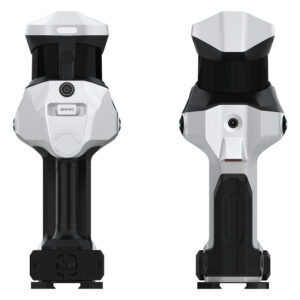
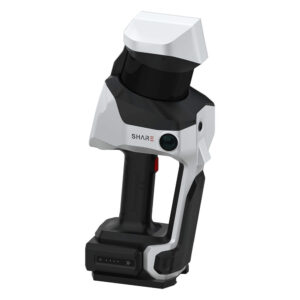
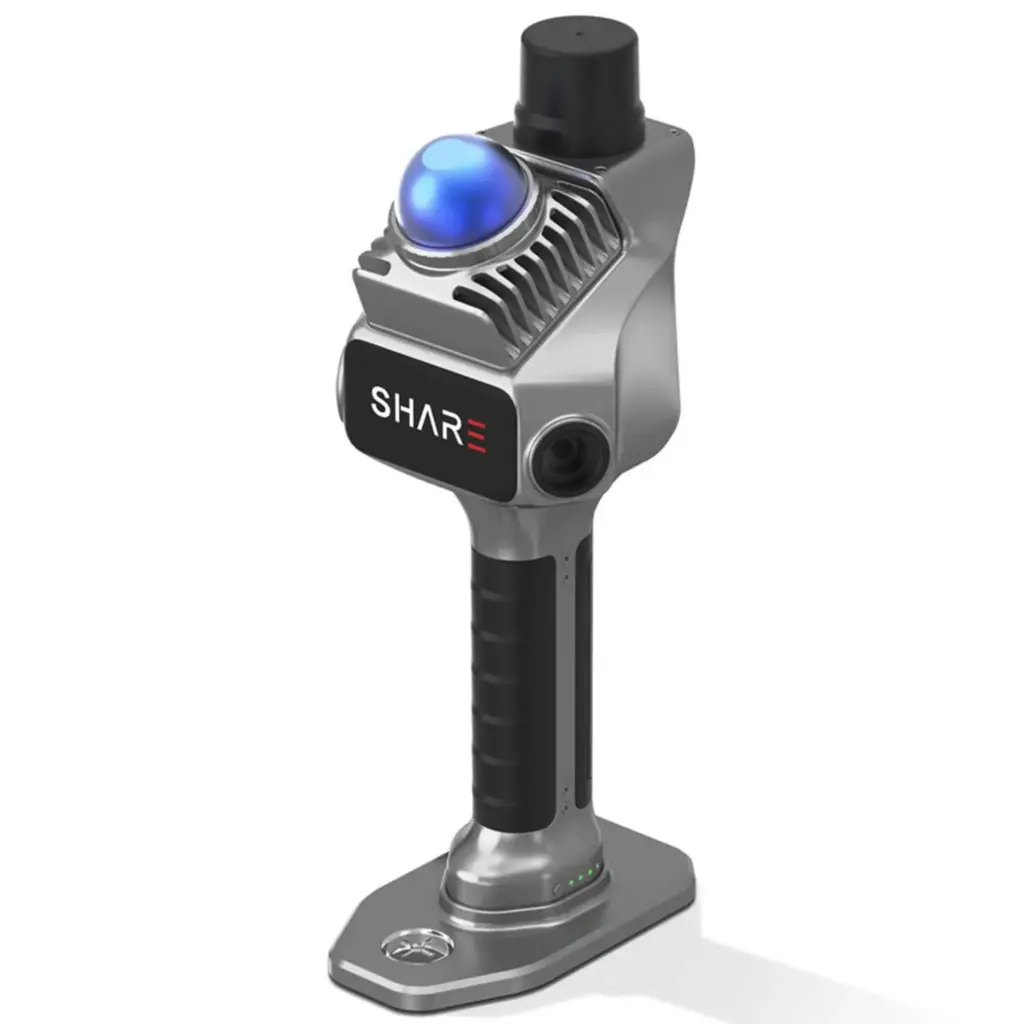
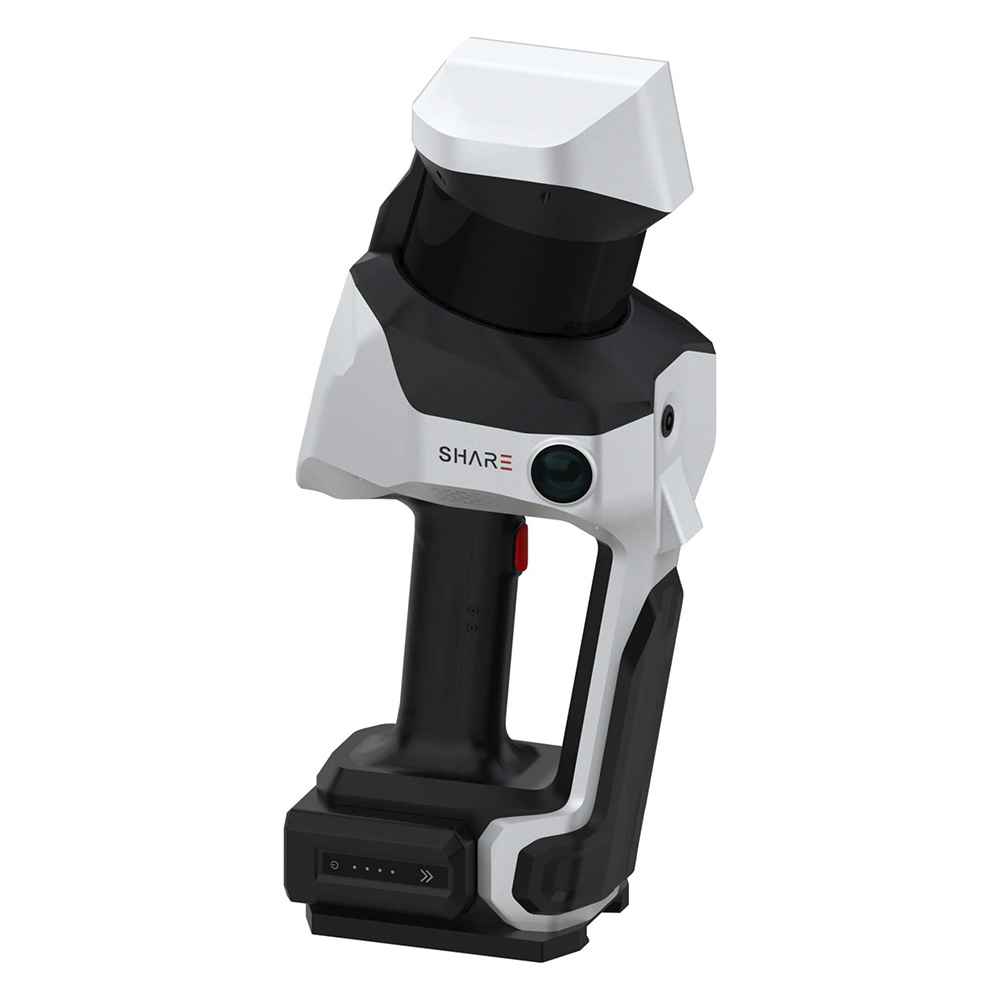
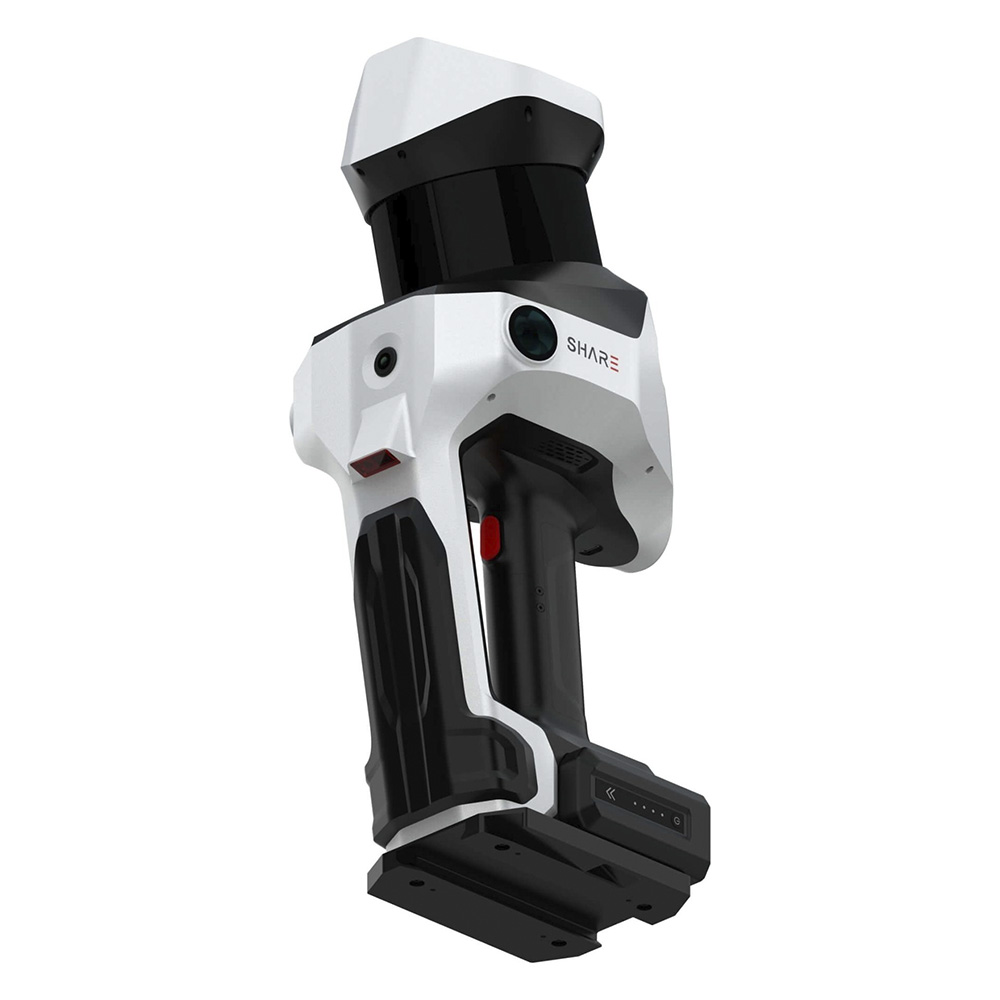
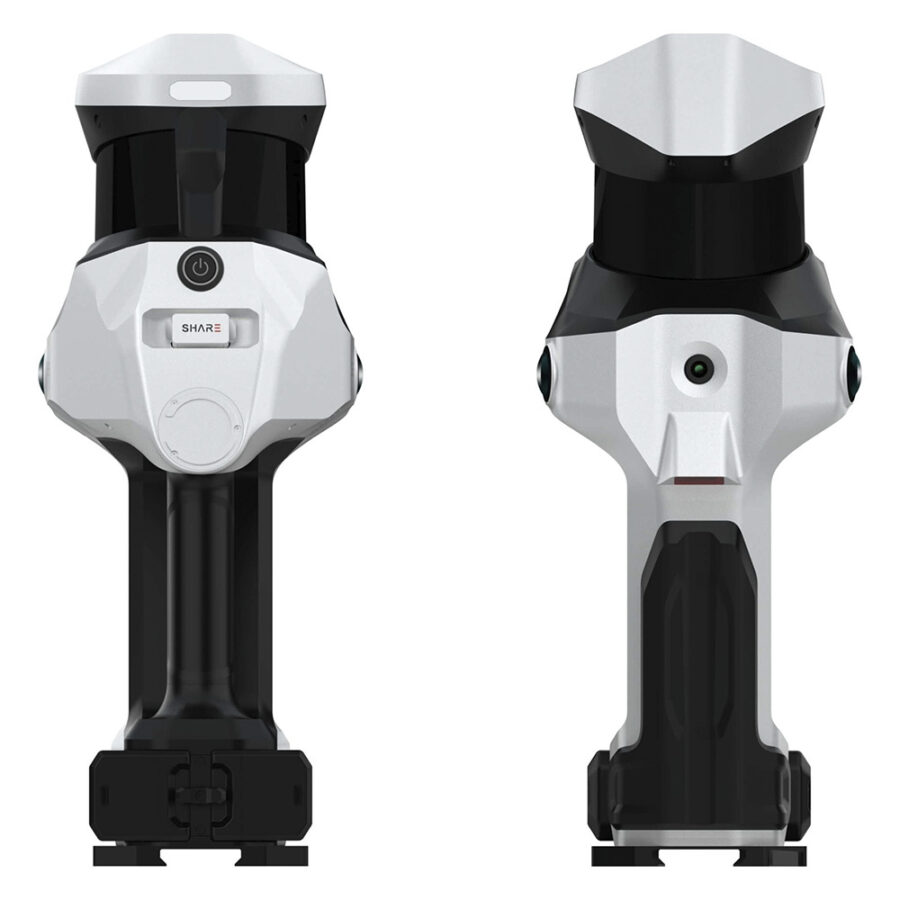
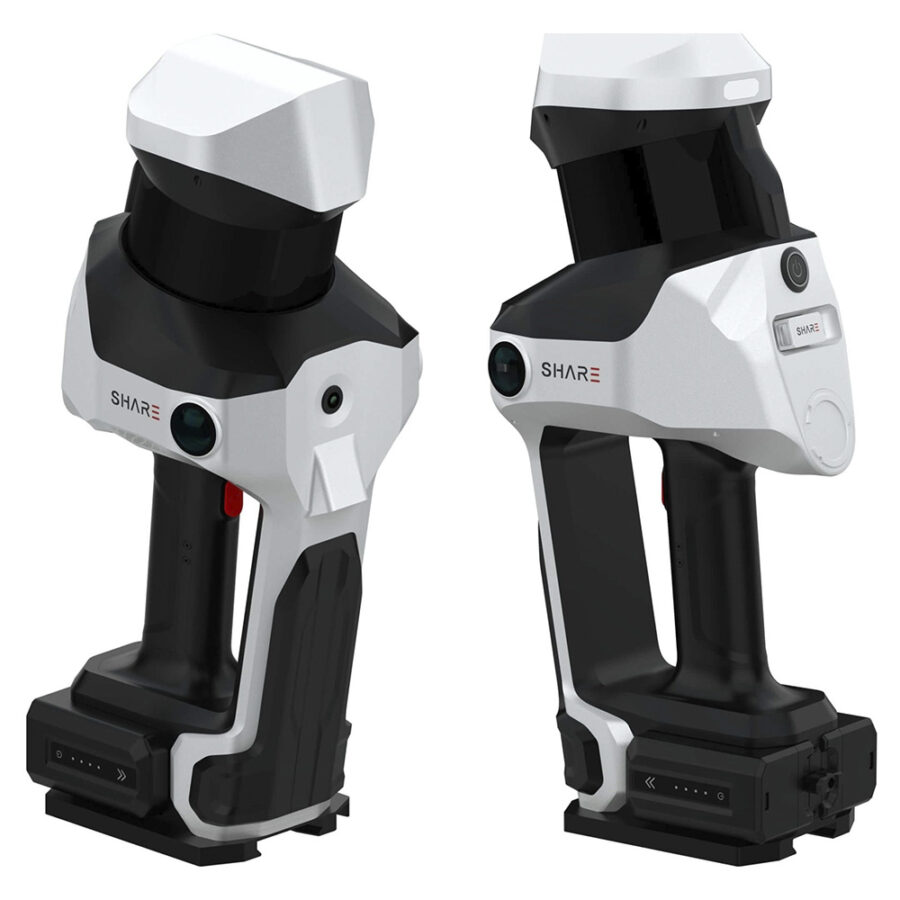
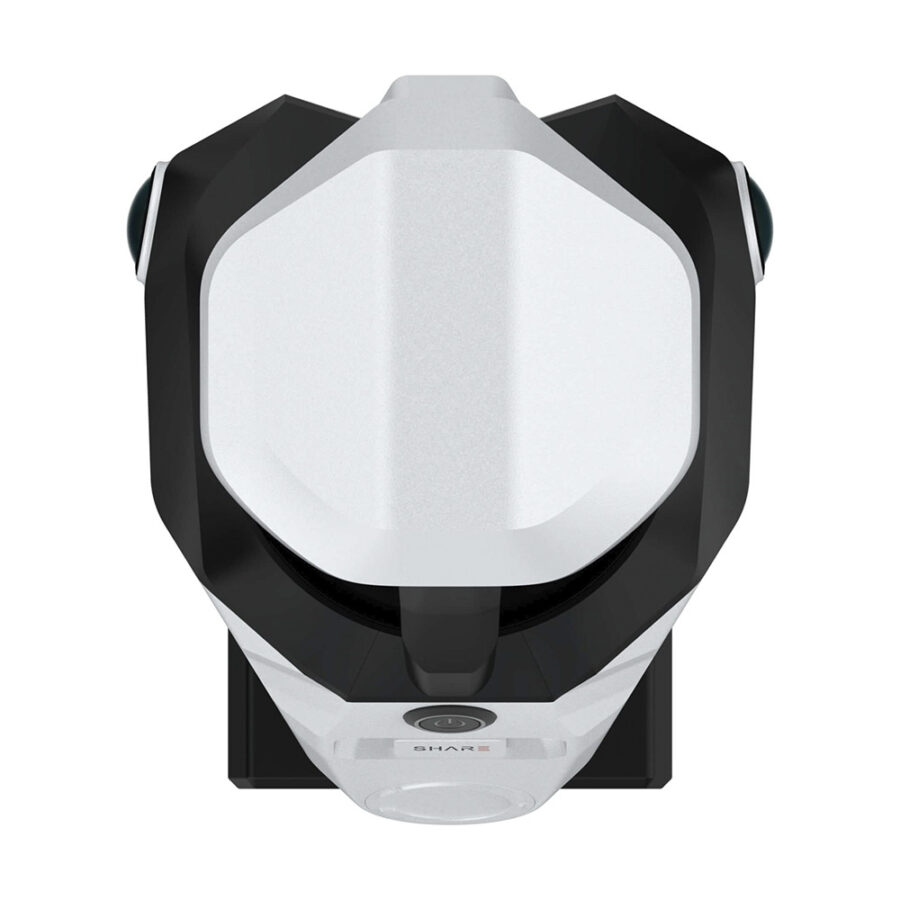
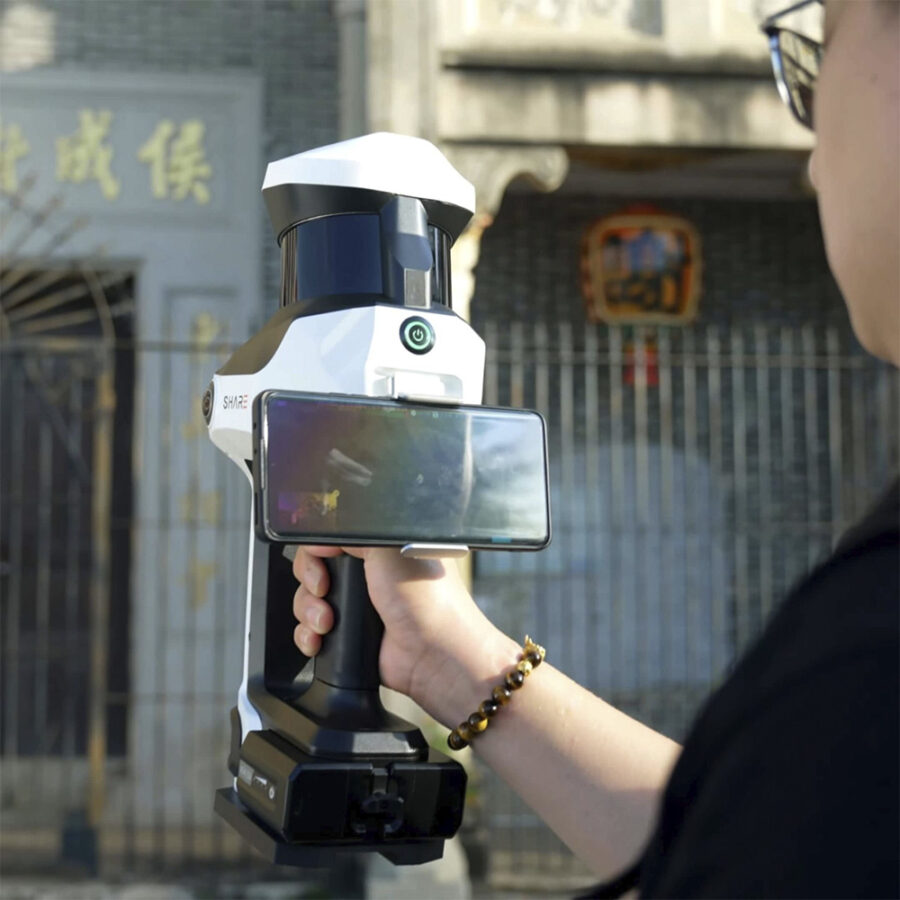
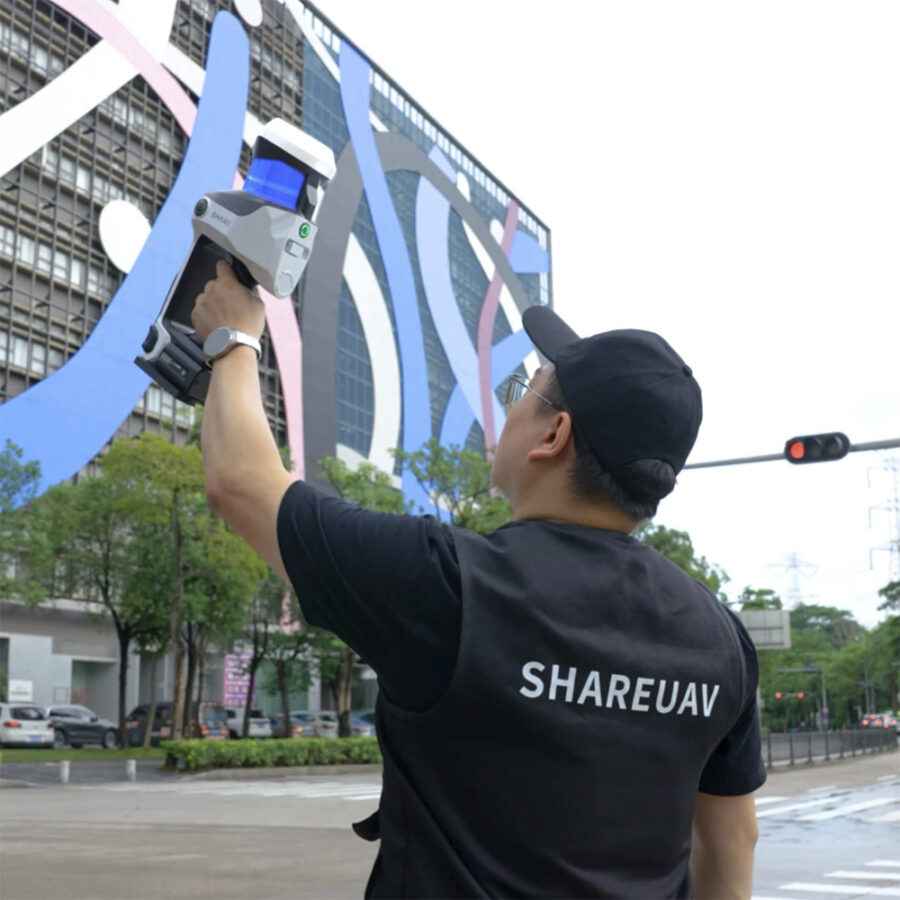
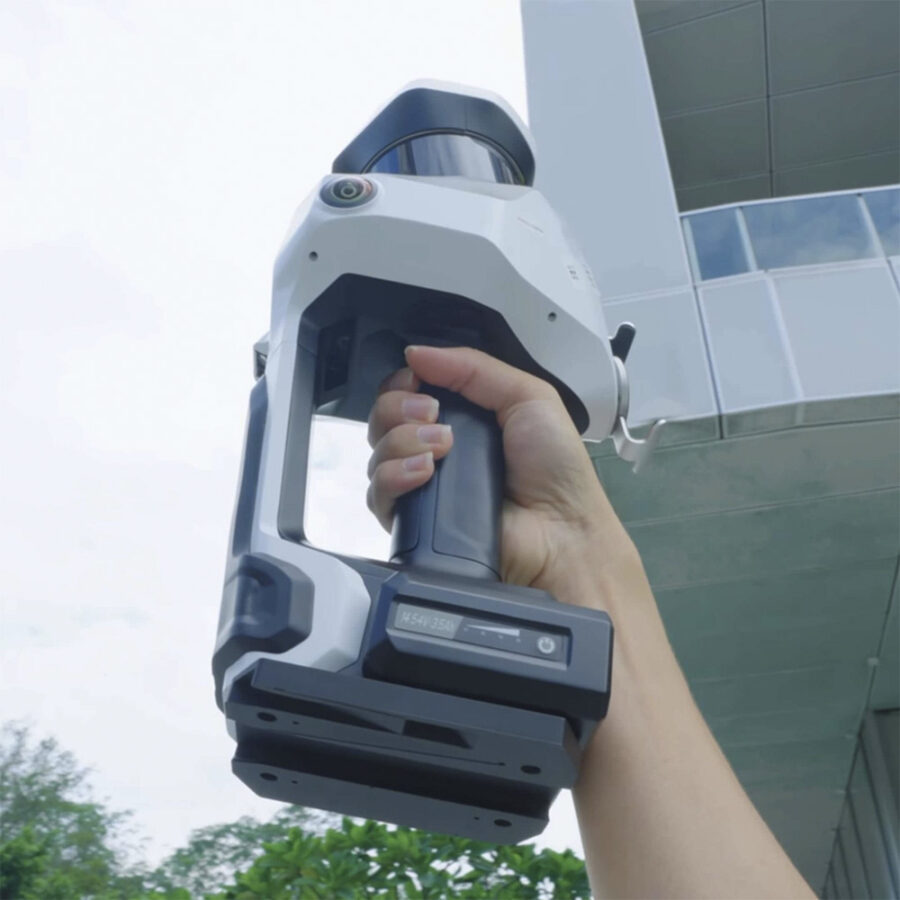
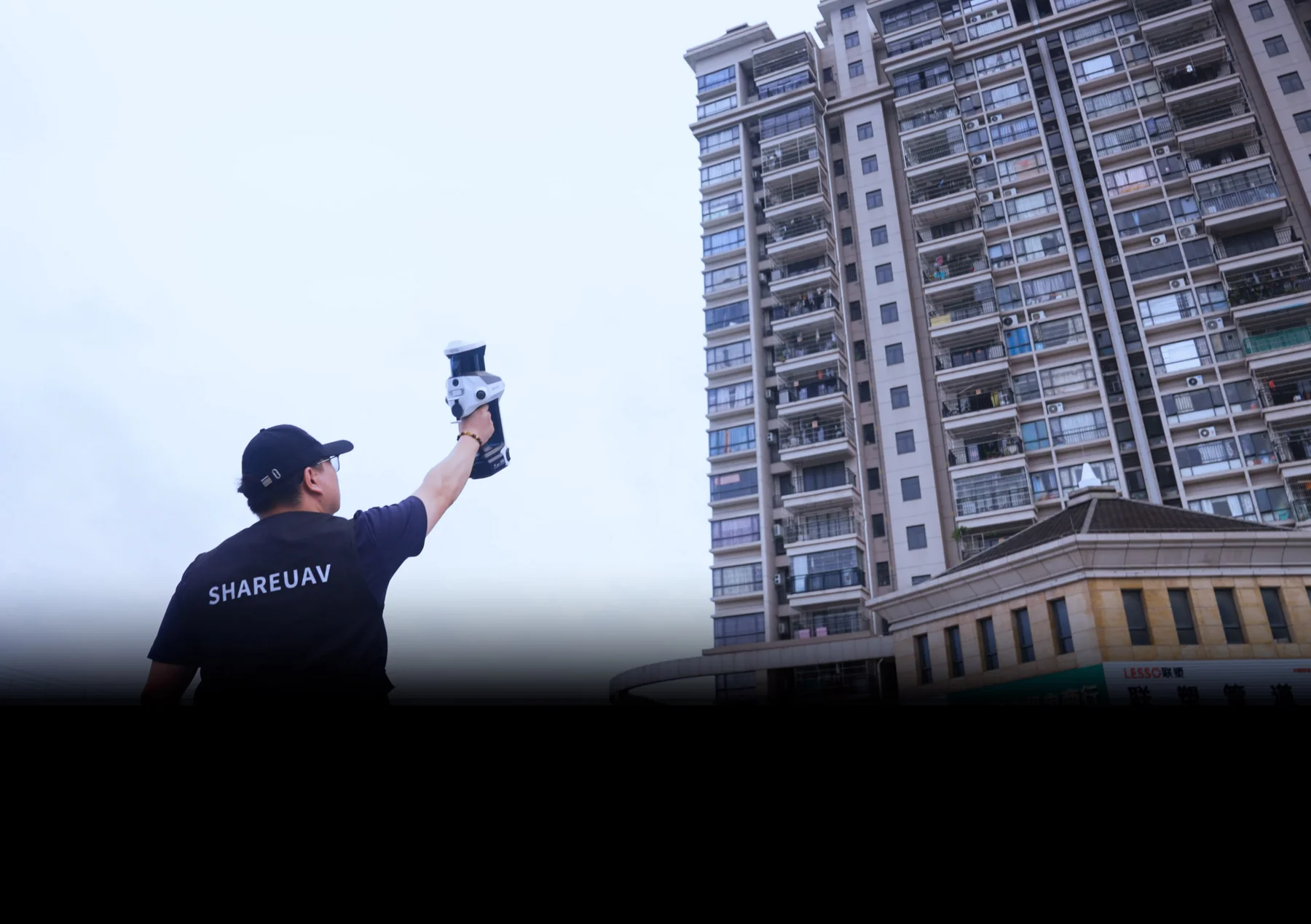
The SHARE SLAM S100-16 is the foundation of the S100 series, designed to make high-quality handheld scanning accessible to every professional. Where traditional methods are time-consuming, the S100-16 offers a streamlined workflow for accurate 3D mapping and surveying. With its 16-channel LiDAR sensor and advanced SLAM algorithms, this system is the ideal choice for as-built documentation, indoor facility management, and rapid site surveying. The S100-16 combines a lightweight, ergonomic design with the precision required for modern digital twin creation.
| Product | Share SLAM S100-16 |
| LiDAR channels | 16 |
| Point speed | 320,000 points/s |
| Scanning range | 0.05 – 120 m |
| Number of cameras | 2 |
| Sensor size | 1-inch (13.13 × 8.76 mm) |
| Pixel size | 2.4 µm |
| Effective pixels | 16 MP |
| Dimensions | 386.8 × 152.7 × 174.4 mm |
| Weight | 2438 g |
| Wi-Fi | Wi-Fi 6 (2.4 GHz / 5 GHz, 20 m) |
| Storage | 1 TB SSD |
| RTK accuracy | Horizontal 0.8 cm + 1 ppm / Vertical 1.5 cm + 1 ppm |
| Support system | Ergonomic multi-functional carrying system |
| Battery capacity | 49,436 Wh (3400 mAh) × 2 |
| Usage time | ± 180 minutes |
| Point cloud thickness | ≤ 5 mm |
| Relative accuracy | ≤ 1 cm |
| Absolute accuracy | ≤ 5 cm |
| 1x SHARE SLAM S100-16 scanner unit |
| 1x Ergonomic chest harness |
| 2x Hot-swappable batteries |
| 1x Battery charger |
| 1x Integrated 1 TB SSD |
| 1x Robust transport case |
| 1x USB-C data cable |
| 1x Quick Start Guide |
| 1x Carrying system (shoulder and front attachment) |
| 1x 1 TB SSD storage module with USB connection |
| 1x SHARE Capture app (iOS and Android) |
| 1x SHARE PointClouds Studio desktop software |
| Windows PC |
| SHARE Capture App |
| SHARE PointCloud / Pointclouds Studio software |
| iOS & Android devices |
| GNSS / RTK base stations |


For many renovation and interior documentation workflows, 3D scanning can replace most repetitive manual measurement work and make site capture faster, more complete, and easier to reuse. In practice, it is best viewed as a workflow improvement for renovation teams rather than a guarantee that every manual check can be eliminated on every project.
Commonly used tools include tape measures, laser distance meters, and 3D scanners. Tape measures and laser distance meters are still suitable for simple checks. For complex spaces, repeated verification, modelling, drawing preparation, or coordination between multiple teams, 3D scanning is generally more practical because it captures more spatial context in a single workflow.
Renovation measurements, 3D scanning
For many indoor renovation projects, a 3D scanner can replace a large amount of repetitive manual measuring and note-taking. Critical dimensions, concealed spaces, installation details, and tolerance-sensitive checks may still require targeted manual verification.
Manual measurements, Workflow limitations
Yes. 3D scanning is often useful when renovating old buildings because the original drawings may be missing, incomplete, or different from the actual on-site conditions. A scan helps teams document the existing situation and create a more reliable reference point before design, measurement, or documentation begins.
Old building renovation, Existing conditions
Interior designers can use 3D scanning to capture an entire space during a site visit. The point cloud or visual model can then be used as a reference during design preparation. This is especially useful for complex interiors, older buildings, and projects where faster quotation development is required.
Interior design, Site dimensions
Scan data can help clients and project teams understand a space more clearly than photos or handwritten notes alone. Point clouds, visual representations, and measurable spatial data can support design discussions, quotation reviews, change communication, and coordination between designers, contractors, and clients.
Client communication, Spatial data
They can. A scanner records visible conditions, so furniture, partitions, people, and clutter can cause local obstructions. Better route planning, capturing the space from multiple angles, and targeted verification can reduce their impact.
Obstruction, Capture path
3D scanning can convert site conditions into verifiable and measurable spatial data. It is useful for documenting existing conditions, progress documentation, as-built documentation, coordination, and handover support.
Construction documentation, Site data
Yes. Scan results can support as-built documentation by providing a digital record of the actual site conditions. They can be used to verify measurements, compare progress, prepare drawings and handover documents, and discuss issues. However, final deliverables should still be checked against the applicable project standards.
As-built documentation, Handover documents
Point cloud data can be used to verify measurements, assess spatial context, provide a reference for models, create CAD drawings, prepare BIM workflows, support coordination, and produce project documentation.
Point cloud, CAD
LiDAR scan data is usually processed into point clouds first. Software can then help generate or support CAD drawings. In practice, teams still need to review and edit the drawings according to drafting standards and project requirements.
DWG, Drawing output
Yes. Scan data is often used as a reference for CAD drafting, SketchUp modelling, BIM preparation, measurement verification, and coordination. It should be viewed as a reliable spatial reference and workflow input rather than a fully automated replacement for professional drafting or modelling work.
CAD, BIM, SketchUp
Teams should evaluate workflow suitability rather than looking only at specifications. Practical factors include capture speed, ease of indoor use, output formats, software processing, team onboarding, and the requirements of later CAD, BIM, or documentation workflows.
Scanner selection, Workflow suitability
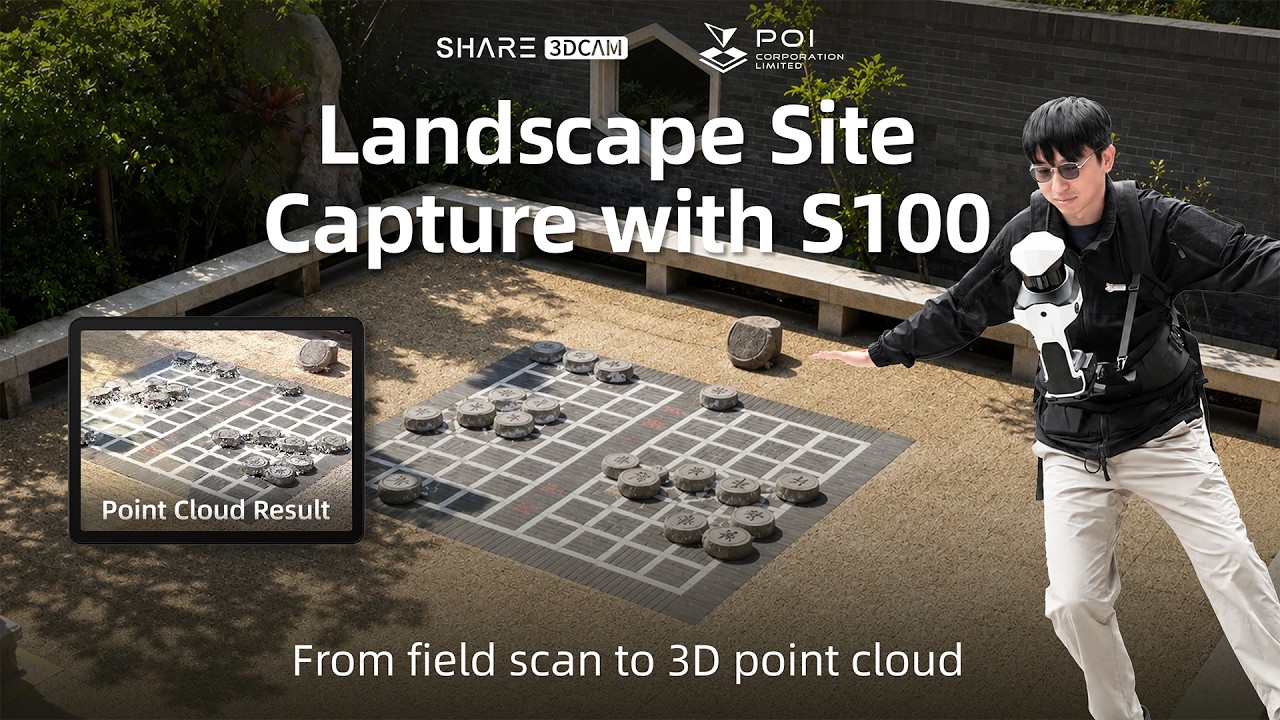
The SHARE SLAM S20 is commonly used for handheld indoor capture, renovation measurements, interior spaces, and compact site documentation. The SHARE SLAM S100 is generally used for larger spaces, more complex sites, outdoor capture, mixed indoor and outdoor capture, and professional mobile mapping workflows.
SHARE SLAM S20, SHARE SLAM S100
SHARE Capture supports on-site capture, device connectivity, and fieldwork. SHARE PointClouds Studio supports point cloud processing workflows, data analysis, 3DGS model generation, CAD drawing preparation, and documentation.
SHARE Capture, SHARE PointClouds Studio
If you’re a business located within the European Union (outside of the Netherlands), you may be eligible to purchase without VAT if you provide a valid EU VAT number.
How it works:
Note: You can check the validity of your VAT number on the official EU VAT validation website.
This option applies to both businesses outside and within the Netherlands, but a valid VAT number is required.
We strive to keep you informed about the availability and shipping timelines for each product. Here’s how it works:
In Stock:
This item is currently in stock and ready for dispatch. Stock may be located in one of our EU warehouses. All orders ship from a central EU location, so if the item is stored in a different EU warehouse, we will first transfer it to our central warehouse before shipping it directly to you. This may add a small delay, but our team prioritizes quick processing to minimize any wait time.
Available on Order:
This item is not currently in stock, but we can order it for you. Once we place the order, it typically takes up to 3 weeks for the item to arrive at our central EU warehouse. From there, it will be shipped to you. Please note this extended timeline when planning your purchase.
Out of Stock:
This item is currently unavailable for purchase. If you’re interested in obtaining this product, you can apply to join the Waitlist on the product page. By joining the Waitlist, you’ll receive an email notification as soon as the product is back in stock. Alternatively, feel free to contact us directly if you’d like more information about future availability.
If you have any questions or would like more detailed information about the availability or estimated arrival date for a specific item, please don’t hesitate to reach out to our support team.
We’ll get back to you within one business day.
By sending this quote request, you agree to our Privacy Policy.
We’ll get back to you within one business day.
By sending this quote request, you agree to our Privacy Policy.
We’ll get back to you within one business day.
By sending this quote request, you agree to our Privacy Policy.